

The 2 Reasons Why Your iPhone Isn't Showing Battery Health Anymore
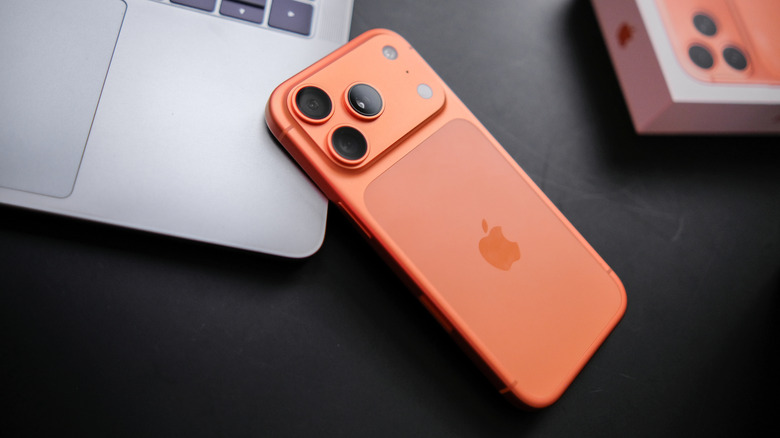
It's no secret that modern phones rely on rechargeable lithium-ion batteries. A full charge might not last as long as old-fashioned alkaline AAs, but this shortcoming is outweighed by the ability to, well, recharge lithium-ion batteries. However, while certain settings can make your battery last longer per charge, not even rechargeable batteries last forever. And, although your iPhone usually tells you how long the battery has left, calibration issues can get in the way of that reading.
Battery calibration problems can crop up for any number of reasons. If your phone is new, the system might need time to get an accurate read on the battery and its charge cycles (the number of times it has received energy equivalent to a full charge). More often than not, this problem will go away on its own, but you can try forcing the issue with a hard restart. To do that, quickly press and release the volume up button, then quickly press and release the volume down button, and finally press and hold the side button until the Apple logo appears. Once done, the battery should be recalibrated.
Your iPhone might also run into a calibration hiccup after installing certain updates, including upgrading older phones to iOS 14.5 (iOS 14.5 introduced the battery calibration tool). Just go to Settings, then Battery, and tap Battery Health. If the system doesn't immediately show the battery status, it probably just needs some time to scan the component. But again, restarting the phone can help.
Sometimes the issue is the battery itself
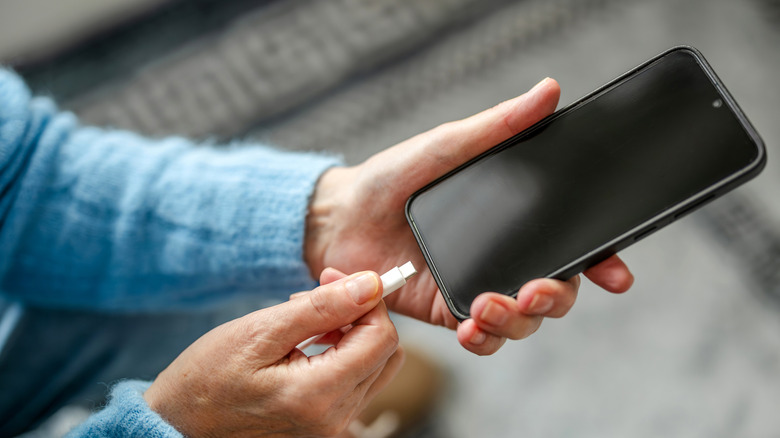
Since iPhones need to calibrate their batteries after powering up for the first time, it also stands to reason that they carry out the same process whenever you install a new battery. After you repair your iPhone (or send it out to a repair shop), navigate over to the Parts & Services menu in Settings, then tap Restart & Finish Repair (and again when a new tab pops up). After the phone restarts, follow the on-screen instructions. The phone will restart again, but after it's finished, your iPhone's battery should be calibrated. Even after a restart, though, it's possible you will need to wait a bit as usual for calibration to finish.
If recalibration doesn't work, there is a chance you used an aftermarket or non-OEM (Original Equipment Manufacturer) battery. While you should stop believing the myth that third-party repairs are subpar and void warranties, third-party batteries tend not to play well with the calibration function. When this happens, the only way to fix the issue is to repair the phone (again) with an official Apple battery. The battery and phone are usually otherwise completely safe to use, but you might notice some performance issues. And, of course, you won't be able to keep track of the battery's health.